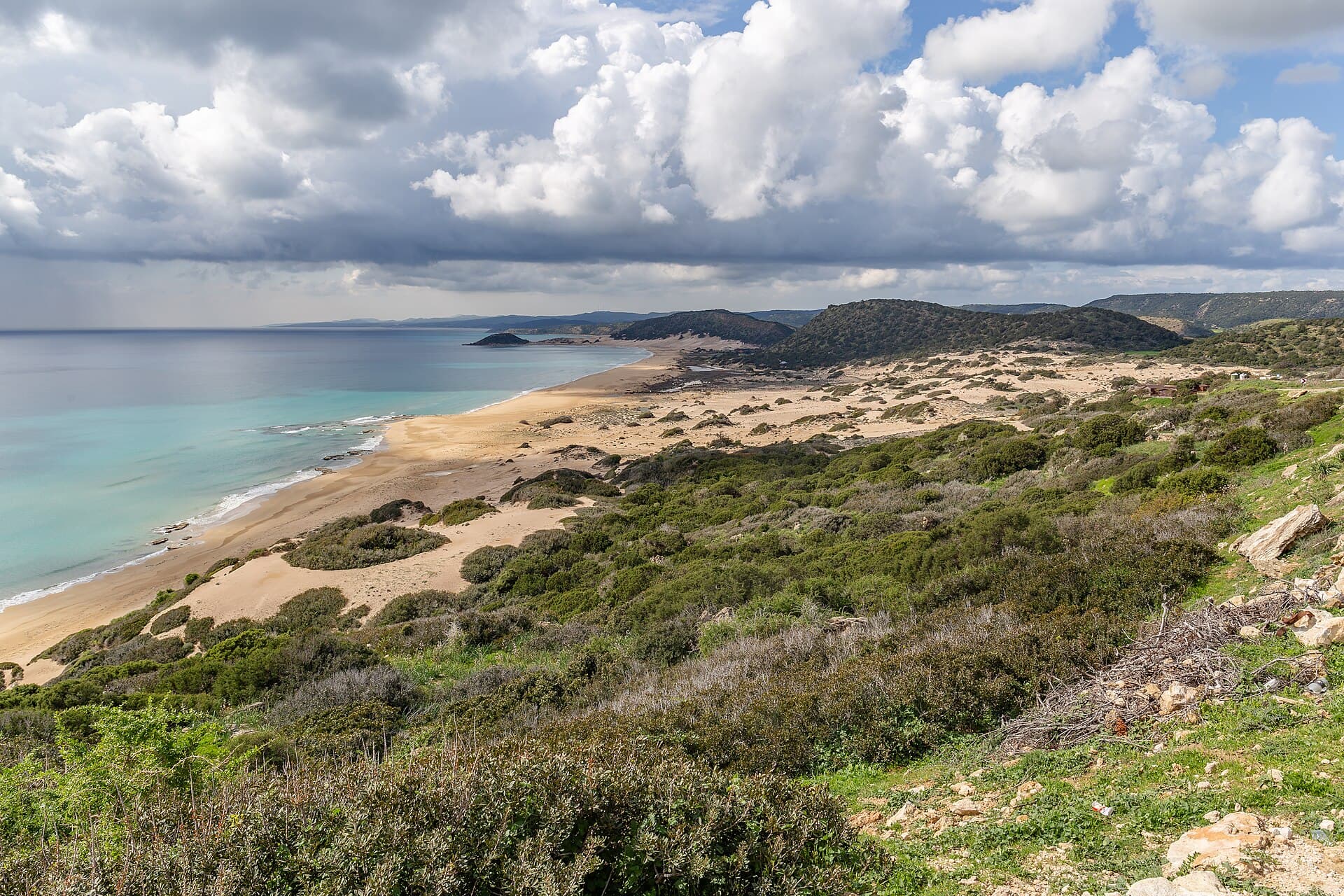
 Altın Kumsal · Karpaz · 📷 Michal Klajban · CC BY-SA 4.0
User guide
Get to know Nerede Nasıl Kıbrıs step by step
This page briefly explains every part of the site. Jump to the topic you need from the list.
1. Getting started
- 1On your first visit, choose your language and the town you live in. Pages (buses, pharmacies, hospitals…) follow this town.
- 2Then sign up for free: your name, email and a password. Click the link in the email to activate your account.
- 3To change your town or look at another one, use the "Which town are you in right now?" picker at the top of the pages.
- 4Use the language button in the top menu to switch language. The site is in 8 languages: Türkçe, English, فارسی, Deutsch, Ελληνικά, Русский, বাংলা, اردو.
Emergency numbers and this guide open without an account.
2. Install it on your phone like an app
- 1iPhone: open the site in Safari → Share button → "Add to Home Screen".
- 2Android: open the site in Chrome → ⋮ menu at the top right → "Add to Home screen" or "Install app".
- 3Now it opens with one tap from the compass icon on your home screen.
3. Search and menus
- 1Type what you're looking for in the search box on the home page (e.g. "pharmacy", "permit", "bus").
- 2On your phone, the bottom menu takes you quickly to Home, Transport, Pharmacy, Community and Emergency.
- 3The person icon at the top right opens My account.
4. Daily life
- 1Transport: choose where you're going and see the lines and the next departure. Allow location for "Stops near me".
- 2Pharmacies: today's on-duty pharmacies are marked with a light. Address, phone and directions; with your location you also see the distance.
- 3Markets: which day, where and what time.
- 4Health: nearest state hospital, private hospitals, maternity, labs and MRI; online appointment link.
Your location is only used on your phone and is never sent anywhere.
5. Official matters
- 1Government offices: the branch in your town, phone, address and what you can do online. Electricity, water and phone companies are here too.
- 2Residence permit: a step-by-step guide. In the "What should I do?" box pick your situation (worker, student, health) and tick off what you've done.
- 3If you came with a work permit, enter your arrival date to see the dates of day 15 and day 30.
- 4Marriage: where to apply and a list of questions to ask the municipality.
Rules can change; for official matters the relevant office has the final word. The "Verified" label shows when the information was checked.
6. Cyprus Assistant
- 1Open it with the ✨ button at the bottom right and write your question in your language.
- 2The assistant answers using the information in this guide (buses, pharmacies, hospitals, offices).
- 3For important and official matters, double-check the answer with the relevant office.
7. Community
- 1Q&A: you can read everyone's questions and answers. Asking and answering are for premium members.
- 2While you write a question, similar older questions are shown — maybe it's already answered.
- 3Mark the most helpful answer to your question as "Best answer"; the question becomes "Solved".
- 4If you see a post that breaks the rules, tap "Report" under it.
- 5Contact us: for suggestions, error reports or a premium request. You'll see our reply on the same page.
8. Complaints
- 1Use the Complaints page for a scam, a problem member, a business or wrong information on the site.
- 2Only the admin team sees your complaint; other members can't read it.
- 3Follow its status (Received, Under review, Resolved) and the team's reply on the same page.
If you are in danger or a crime is happening, call the police first: 155.
9. Stay safe
- 1Don't share personal details like phone numbers, IBANs or addresses. Such posts are automatically held for review.
- 2Don't trust people offering money, documents or "I can get you a permit" — report them right away.
- 3Team members have a "Team" badge next to their name. Be careful if someone without the badge claims to be official.
10. My account
- 1Change your display name and password on the My account page.
- 2Forgot your password? Tap "Forgot password" on the login screen and we'll email you a reset link.
- 3You can also see your membership type (free / premium) there.
- 4On a shared device, tap "Log out" when you're done.
Frequently asked questions
›Is the information up to date?
We collect information from official sources and show it with a "Verified: date" label. If you see something wrong or outdated, report it via Complaints → "Wrong information on the site".
›Is my location stored?
No. Your location is only used on your phone to find nearby stops and pharmacies; it is not sent to our server.
›How much is premium?
Payments are coming soon. For now you can request premium from the Contact us page.
›The email didn't arrive. What should I do?
Check your spam folder. If it's not there, wait a few minutes and try again, or write to us.